
 Canada
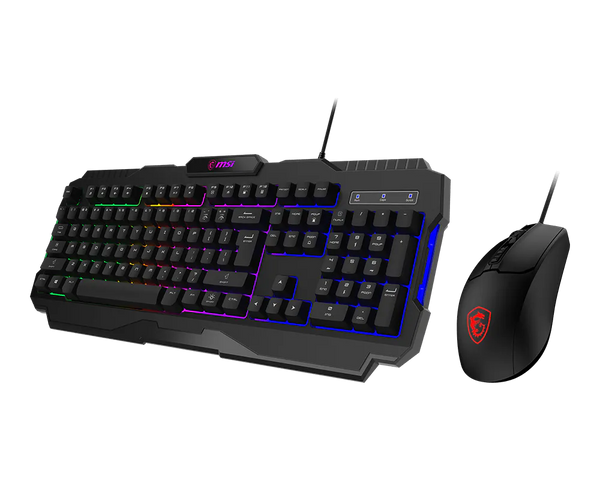
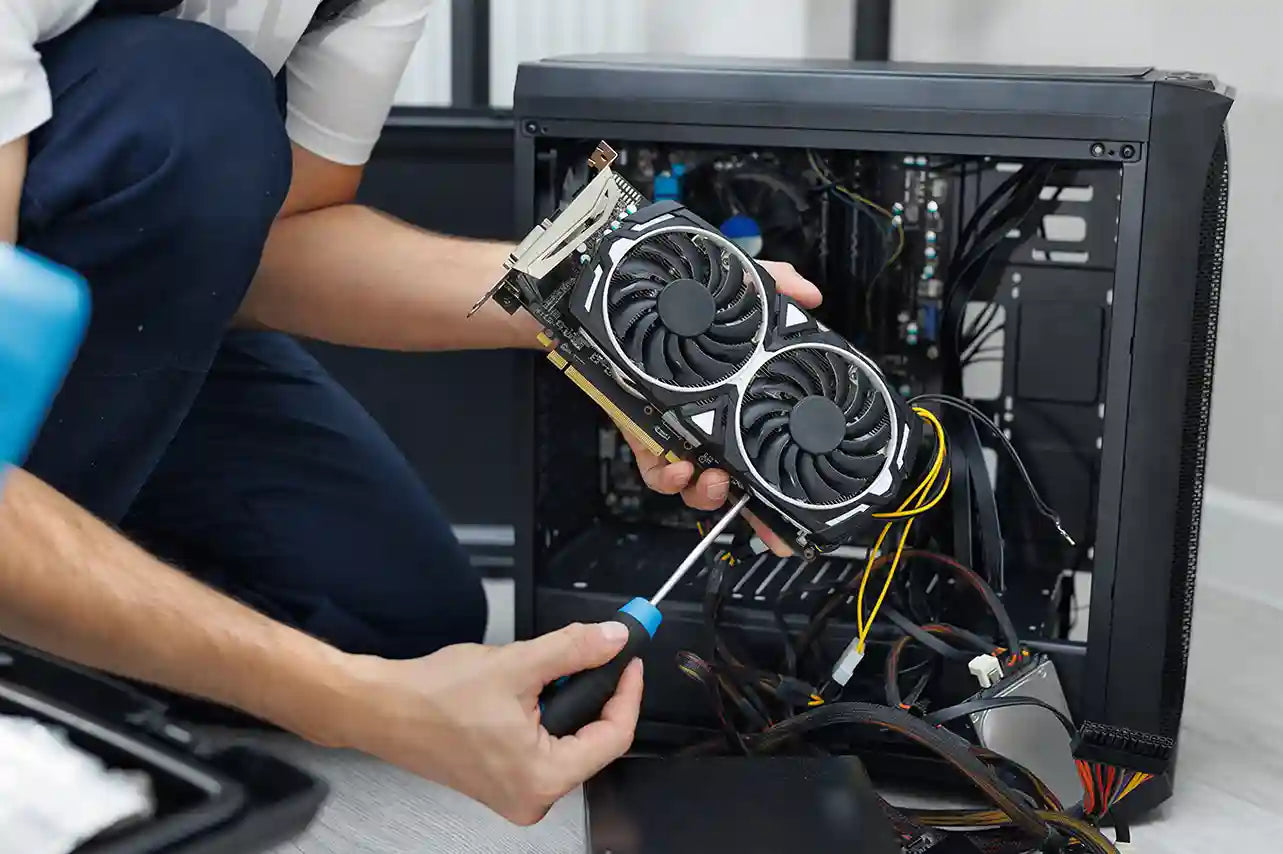
For many PC gamers, their gaming setup is always evolving. Even if you have a solid rig, it’s natural to wonder if it could be even better. If your battle station isn’t quite where you want it to be, you might be asking yourself which upgrades will bring the most performance and comfort. This is where upgrading your gaming PC comes into play.
In this blog, we’ll reveal the top 6 PC upgrades that can dramatically elevate your gaming experience, helping you achieve smoother frame rates, sharper visuals, and a more responsive, immersive setup.
Upgrade Your Graphics Card (GPU)
The most crucial part in gaming is your GPU, which handles textures, lighting, effects, and frame rate generally. In graphically taxing games like Cyberpunk 2077, Elden Ring, and Fortnite, a strong GPU greatly boosts performance.
Why It Matters Greatly
- Improved visuals and greater FPS.
- Improved handling of ultra-settings.
- Enhanced performance in 1440p and 4K gaming.
- DLSS/FSR support and enhanced ray tracing.
Notable Change Examples
- A GPU upgrade might transform 40 FPS gaming into 100+ FPS.
- Open-world games see a great decrease in stuttering.
- VR performance becomes much steadier.
Selection Of The Appropriate GPU
- Match your monitor resolution (1080p vs. 1440p vs. 4K) to your GPU power.
- Verify the compatibility of the power supply.
- Pairing with a proper CPU will help you to prevent bottlenecks.
Upgrade to a Solid State Drive (SSD)
Though an SSD may not double your FPS, it significantly improves your real-world gaming experience. One of the quickest and most obvious PC improvements for better load times is replacing a hard drive with a solid-state drive.
Why Choose an SSD
- Games load five to ten times quicker.
- Cuts open-world title global-loading delays.
- Windows starts right away.
NVMe and SATA SSDs
-
SATA SSDs are much faster than HDDs, but NVMe SSDs use PCIe for speeds of 3,500 MB/s or more, offering smoother game load times and performance.
Increase RAM (Memory) Capacity
Game smoothness and system response depend mostly on RAM. Because of their bigger textures, open-world settings, and background operations, modern games demand more RAM than before.
How RAM Affects Performance
- Prevents freezing during intense gameplay.
- Reduces slowdowns from background processes.
- Improves multitasking and overall system responsiveness.
Minimum vs Suggested RAM
- Minimum: 16GB for normal games.
- Recommended: 32 GBs for AAA titles.
Significant hint: Dual-channel RAM should always be used since it increases bandwidth and raises FPS by up to 20% in some games.
Upgrade Your CPU
If you notice a decrease in FPS during busy scenes, expansive worlds, or high-speed esports matches, the issue may lie with your CPU. It’s important to recognize the right time to upgrade your CPU in order to ensure steady performance.
The Influence Of The CPU on Gaming
- Manages NPC behavior, physics, artificial intelligence, world simulation, and handles.
- Increases CPU-heavy games' (GTA V, Assassin's Creed, Starfield) FPS.
- Reduces bottlenecks combined with potent graphics cards.
When Thinking About Replacing A CPU
- CPU runs at 100% during gameplay.
- The GPU is capable, but performance is still low.
- System struggles in crowded or complex game environments.
Best CPU-GPU Combinations
- RTX 4060: Ryzen 5 5600X / Intel i5 12400F
- RTX 4070: Intel i7 12700K / Ryzen 7 5800X3D
- RTX 4090: Ryzen 7 7800X3D / Intel i9 14900K
Invest In A Monitor With A Fast Refresh Rate
Your PC's high FPS won't be noticeable unless you have a suitable monitor. This is an unnoticed improvement that immediately improves gameplay.
Comparison of Refresh Rate
- 60Hz: Standard, simple.
- 144 Hz: It provides a significant distinction for racing games and marksmen.
- 240 Hz: Suitable for competitive esports
- 360Hz: Only for pro-level players.
Why Does A Monitor Count As Much As Internal Hardware
- Makes motions more fluent.
- Decreases lag in inputs.
- Offers quicker aiming.
- Improves every aspect of the gaming experience.
Sync Technologies
-
G-Sync (NVIDIA) and FreeSync (AMD) synchronize your GPU and monitor to eliminate screen tearing and reduce stuttering, providing smoother gameplay and more responsive visuals.
Optimize Cooling Systems
Heat softly impairs performance. Hot components throttle (slow down) to prevent damage, reducing FPS and shortening hardware lifespan. By optimizing cooling solutions, you increase stability and performance consistency.
How Cooling Improvements Benefit Gaming
- Lower temperatures result in more sustainable FPS.
- Prevents CPU/GPU throttling.
- Lower fan noise and raise the lifetime.
Air Cooling vs Liquid Cooling
Air Cooling
- Reliable and reasonably priced.
- Perfect for mid-range constructions.
- More manageable.
Liquid Cooling
- Better for overclocking and high-performance CPUs.
- Lower under great loads.
- Good for little cases with ventilation problems.
More Cooling Enhancements
- Increase case airflow by installing intake and exhaust fans.
- Change dried thermal paste.
- Frequent dust filter cleaning.
Wrap Up
These six PC upgrades, including GPU, SSD, RAM, CPU, high-refresh-rate monitor, and improved cooling, can make a real, noticeable difference in your gaming experience. From smoother frame rates and sharper visuals to faster load times and more responsive gameplay, the right upgrades help you get the most out of your system.
By prioritizing your upgrades based on your current setup and gaming goals, even one or two of these improvements can transform your rig.
For more expert guidance, hardware recommendations, and the best gaming PCs to suit every budget, visit TechnoidGamingPC today and take your gaming experience to the next level.
Frequently Asked Questions
1. What PC upgrade increases gaming performance the most?
Almost all contemporary games see the biggest frame rate increases and visual enhancements from the GPU upgrade.
2. Should gaming need RAM upgrades?
Yes. To prevent stutters, especially in open-world and contemporary AAA games, at least 16GB is advised.
3. Would an SSD speed up my games?
An SSD significantly reduces load times, boot times, and stuttering, but it does not increase FPS in games.
4. May I update my CPU without replacing my motherboard?
It depends on your motherboard’s chipset and CPU socket; some CPUs are compatible with existing boards, while others may require an upgrade.
5. Do cooling upgrades really improve gaming performance?
Yes. Better cooling keeps hardware temperatures lower, reduces throttling, extends component lifespan, and ensures smoother, more consistent gameplay.