
 Canada
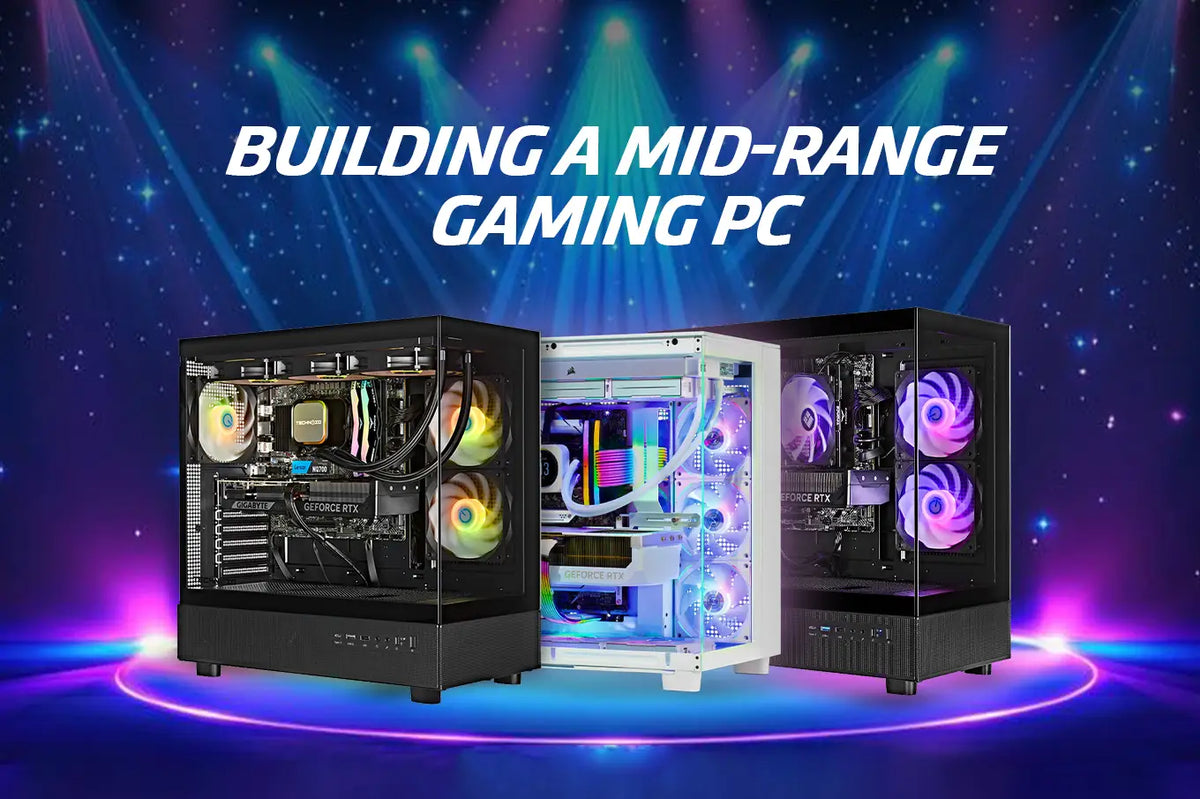
Most gamers will find that a mid-range gaming PC is the perfect choice when it comes to price-performance ratio. These PCs are able to deliver not only high-quality graphics but also smooth gaming and performance that is ready for the future. Moreover, all this without charging the premium that the most expensive setups do.
Building a mid-range gaming PC is increasingly intriguing in 2026. Better GPU availability, strong CPUs, and mature technologies such as DDR5 and PCIe 5 enable one to construct a strong but reasonably priced setup. Mid-range hardware provides great value regardless of the kinds of games you play, competitive shooters, open-world RPGs, or the newest AAA titles.
This blog will explore all you need to know about building a mid-range gaming PC, from suggested specifications and wise spending tips to performance optimization techniques.
Let's dive in!
What Makes a Mid-Range Gaming Computer?
A mid-range gaming system is ideal for gamers who want high performance without spending a lot of money on expensive components.
Category
Usually under a reasonable price range, a mid-range gaming PC aims for:
- Gaming in 1080p ultra or 1440p high.
- Constant 60–144 FPS depending on the game title.
- Balanced performance for gaming, streaming, and multitasking.
Mid-Range vs Budget and High-End
- Budget computers target entry-level gaming with concessions in settings.
- High-end computers aim for ultra-settings and 4K at a premium price.
- Mid-range builds offer great aesthetics and durability at a reasonable cost, so striking the ideal balance.
Most gamers find the ideal real-world gaming experience with a mid-range configuration.
Suggested Specifications for Mid-Range Gaming PCs in 2026
For better stability and performance in the future, choosing the right components is important.
CPU: Multitasking and Gaming Balance
Search for contemporary 6–8 core processors with great single-core performance. These CPUs easily manage background operations and contemporary games.
GPU: The Essence of Gaming Performance
GPUs appropriate for mid-range builds are those that:
- Offer ultra 1080p gaming.
- Provide Settings 1440p high.
- Support for FSR or DLSS.
These characteristics help to prolong your system's lifetime.
RAM: Speed and Capacity
- 16GB DDR5 is the starting level.
- Future-proofing, streaming, and multitasking all benefit from 32GB.
Greater speeds improve overall responsiveness.
Fast Load Times Define Storage
- NVMe SSD for your primary games and OS.
- Optional secondary SSD for big libraries.
Modern gaming should not count on HDDs.
Motherboard: Features and Stability
Pick a motherboard with:
- Support for PCIe 5.0.
- Superior VRMs.
- Upgradeable-friendly enlargement.
Power Supply
To update the stability of the system, getting a reliable 650-750W PSU with better efficiency matters.
Cooling: Air vs Liquid
Good air coolers typically satisfy requirements, but AIO liquid cooling provides more thermal headroom and quieter functioning.
Expert Tips for Building a Mid-Range Gaming PC
Wise preparations help to eliminate future problems and save money.
Custom Build vs Prebuilt PC
- Prebuilt systems offer warranties and save you time.
- Custom builds provide superior parts control and value.
Compatibility Counts
Always ensure:
- Intel and motherboard socket compatibility.
- GPU dimensions versus case clearance.
- Power ratings and PSU connectors.
Methods for Future Proofing
To keep your mid-range gaming PC current for years, choose:
- Contemporary parts that work with the latest software and games.
- More RAM slots to enhance the memory.
- Enough PSU power to support upcoming GPU or component upgrades.
These actions prolong the life of your PC and facilitate future improvements.
Budgeting Strategy
Spend more on:
- Graphics Processor Unit
- PSU
- CPU
Save wisely on:
- Aesthetic cases
- Secondary memory
Optimizing Your Mid-Range Gaming PC
Even without new hardware, performance tuning can deliver noticeable improvements.
Graphics Settings Tweaks
Lower configurations, including:
- Shadows
- Motion blur
- Other visual effects
By adjusting these settings, you may make your mid-range gaming PC run more smoothly.
Driver and Software Upgrades
Frequent updates ensure enhanced performance and compatibility with new games.
Overclocking And Undervolting
Light overclocking or undervolting can:
- Increase frame rates.
- Decrease the temperature.
- Extend the component's lifespan.
Stability must come first, always, when you're maximizing your mid-range gaming PC.
Conclusion
In 2026, the mid-range gaming system is still the best option for most players. It delivers excellent performance, stunning visuals, and adaptability, all without the huge price of the high-end setups.
However, by carefully selecting parts, planning upgrades, and increasing your mid-range gaming PC's power, you will be able to "smoothly" play the latest games for several years.
If you’re ready to build a powerful, future-ready gaming system without breaking the bank, visit TechnoidGamingPC today. Get expert guidance, expertly configured components, and a system designed to deliver lasting performance.
People Also Ask
What is the price range for a mid-range gaming PC in 2026?
Most mid-range systems fit a modest budget from 1500$ to 2500$, depending on upgrades and GPU selection.
Do high settings allow a mid-range gaming PC to run the newest AAA games?
Yes. Most mid-range gaming PCs in 2026 can run recent AAA titles smoothly at 1080p extreme or 1440p high settings, while 4K may need compromises.
Should I select a custom mid-range gaming PC?
Custom builds provide better value and flexibility; prebuilt provide convenience.
How much RAM do mid-range gaming PCs need?
Though 16GB will suffice, 32GB offers better future-proofing.
Are future upgrades for a mid-range gaming computer possible?
That's true. Selecting the mid-range gaming system with future-proof parts makes it possible.