
 Canada
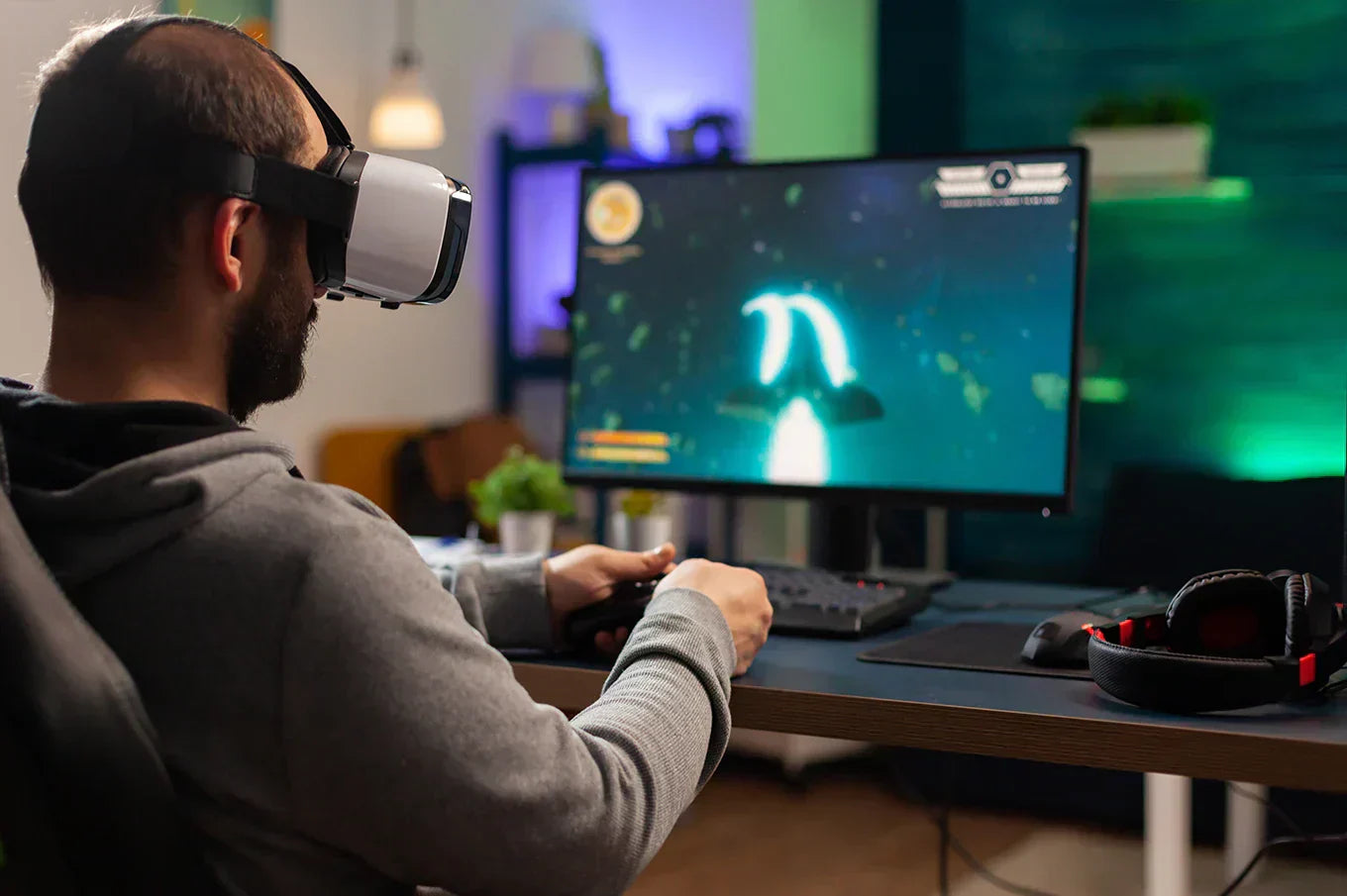
Virtual reality gaming has progressed quickly over time, and by 2026, it will establish a new standard for fully immersive, high-quality experiences. Current VR technologies offer breathtaking graphics, authentic motion tracking, and highly engaging gameplay that requires robust hardware.
As VR games keep advancing, owning a VR-ready gaming PC is no longer optional; it has become essential. Without the right gear, players may face poor performance, lag issues, or motion sickness, which can take away from the fun.
This guide takes you step-by-step through all the essential information, from selecting suitable parts to optimizing your setup for building a powerful VR-ready gaming PC tailored for 2026 and beyond.
Why VR-Ready Gaming PCs Are Different
The gaming PC system delivers performance for gamers who use flat screens, but virtual reality systems need to provide simultaneous display of two high-resolution screens. Also, it is executing head tracking tasks in real time and maintaining frame rates above 90 FPS. The system experiences discomfort because even brief performance drops lead to system unresponsiveness.
Key differences include:
-
The GPU needs to perform dual rendering because VR requires two separate images from different viewpoints.
-
Motion sickness prevention requires systems to maintain. The system needs to operate all components, including CPU, GPU, RAM, and storage, at the same time.
-
The balanced component system of the system. The system needs to have equal performance between CPU and GPU, and RAM and storage components.
Essential Components for a VR-Ready Gaming PC
CPU
In 2026, VR games require both powerful single-core processing capabilities and effective multi-threading technology.
The following options are recommended:
- The high-end category includes Ryzen 9 and Intel Core i9 series processors.
- The mid-range category includes Ryzen 7 and Intel Core i7 processors.
- The budget category includes Ryzen 5 and Intel Core i5 processors, which belong to the latest generations.
Single-core speed handles physics and tracking. Multi-core performance supports background VR processes and streaming.
GPU
The GPU acts as the main component that drives all virtual reality systems. The system needs to have high VRAM capacity. The system must support contemporary architectural frameworks.
Top GPU tiers:
- High-end: RX 8900 XTX / RTX 5090.
- Mid-range: RX 7800 XT / RTX 5070.
- Budget-friendly: RTX 5060 / RX 7600.
Future-proofing is essential since forthcoming VR games will need more advanced ray-traced surroundings and greater texture resolutions.
RAM
- Minimum: 16GB DDR5.
- Recommended: 32 GB DDR5.
Although DDR4 systems may still run VR, DDR5 has superior bandwidth and decreased latency, hence enhancing overall smoothness in huge virtual reality settings.
Storage
-
Best option for virtual reality gaming: NVMe SSD.
-
Minimum capacity: 1TB.
Fast storage stops texture pop-in, which may ruin immersion throughout virtual reality gaming, so shortening loading screens is beneficial.
Motherboard
Select a motherboard compatible with:
-
PCIe 4.0 or 5.0.
-
Good VRM cooling.
-
Several USB ports for VR equipment.
While high-end builds gain from X-series or Z-series chipsets, mid-range B-series boards are frequently adequate.
Cooling and Power Supply
VR sessions stress the hardware for extended periods.
-
High-airflow: Air coolers or 240mm+ AIO liquid coolers for cooling.
-
PSU: 750W–1000W, Gold 80+ or better.
Consistent VR performance under load depends on a dependable power supply.
Case
Your PC case should have:
-
Outstanding ventilation.
-
Cables management area.
-
Large GPU clearing.
Most VR builds benefit from mid-tower cases, while compact cases require more careful component selection.
Optional Accessories for VR Gaming
To achieve the greatest level of immersion in 2026, consider purchasing:
-
Ultra-clear virtual reality headsets equipped with eye tracking.
-
Top-notch motion controllers, sensors, and external tracking systems to ensure accurate movement and a more immersive virtual reality experience.
Step-by-Step Guide to Building Your VR-Ready Gaming PC
Phases in the Assembly Process
-
Set up the cooler and CPU.
-
Include NVMe SSD and RAM.
-
Mount the motherboard.
-
GPU and PSU installations.
-
Test the boot cables and connect them.
Set Up Software and Drivers
-
Set up chipset and operating system drivers.
-
Update GPU drivers.
-
Set up VR platform applications.
Testing
-
Verify steady frame rates and temperatures by running VR benchmarks and stress tests.
Budget vs Mid-Range vs High-End VR-Ready Builds
Entry-Level VR PC
-
Smooth 1080p VR.
-
Great for simple VR gaming.
Mid-Range VR PC
-
1440p VR with fast frames.
-
Most gamers find the best value here.
Top-End VR PCs
-
4K VR at top configurations.
-
Suitable for content creation as well as VR streaming.
The tier you choose depends on the complexity of your virtual reality titles and headsets.
Tips for Optimizing VR Gaming PC
-
Reduce latency to prevent motion sickness.
-
Lower graphics settings for better VR performance.
-
Overclock CPU and GPU carefully.
-
Keep FPS stable for smooth gameplay.
Common Errors to Avoid
-
Spending too much on the CPU while not providing enough power to the GPU.
-
Neglecting airflow and thermal control.
-
Overlooking compatibility with VR headsets and USB.
-
Not conducting performance evaluations post-assembly.
Steering clear of these mistakes saves time, finances, and stress.
Wrap Up
Building a VR-ready gaming PC in 2026 doesn’t have to be overwhelming. With the right components, careful assembly, and proper optimization, you can enjoy smooth, immersive VR experiences that push the boundaries of gaming.
Whether you’re aiming for entry-level VR or a high-end 4K setup, avoiding common mistakes will save you time, money, and frustration.
If you want a hassle-free, custom-built VR gaming PC tailored to your exact needs, TechnoidGamingPC.com can help. Our expert team will design and assemble a system optimized for your favorite VR titles, ensuring peak performance, reliability, and future-proofing.
Take the first step toward the ultimate VR experience today!
Frequently Asked Questions
Q1. What are the minimum VR-ready gaming pc requirements?
16GB of RAM, an NVMe solid-state drive, a modern quad-core processor, and a mid-range graphics card capable of reliably achieving 90 frames per second.
Q2. Could I make my current gaming computer VR-ready?
Yes. If your CPU is modern enough, upgrading the GPU, RAM, and storage is often sufficient.
Q3. In 2026, which headset is ideal for VR gaming PCs?
For the best performance, choose a headset with high-resolution displays, eye tracking, and foveated rendering.
Q4. How much RAM must I have for a flawless VR experience?
While 16GB is functional, 32GB provides better reliability for managing multiple tasks and demanding virtual reality games.
Q5. Do all VR games require a high-end GPU?
No. Not every VR game needs a top-tier GPU. Many well-optimized games run smoothly on mid-range GPUs, especially at lower resolutions or settings.