
 Canada
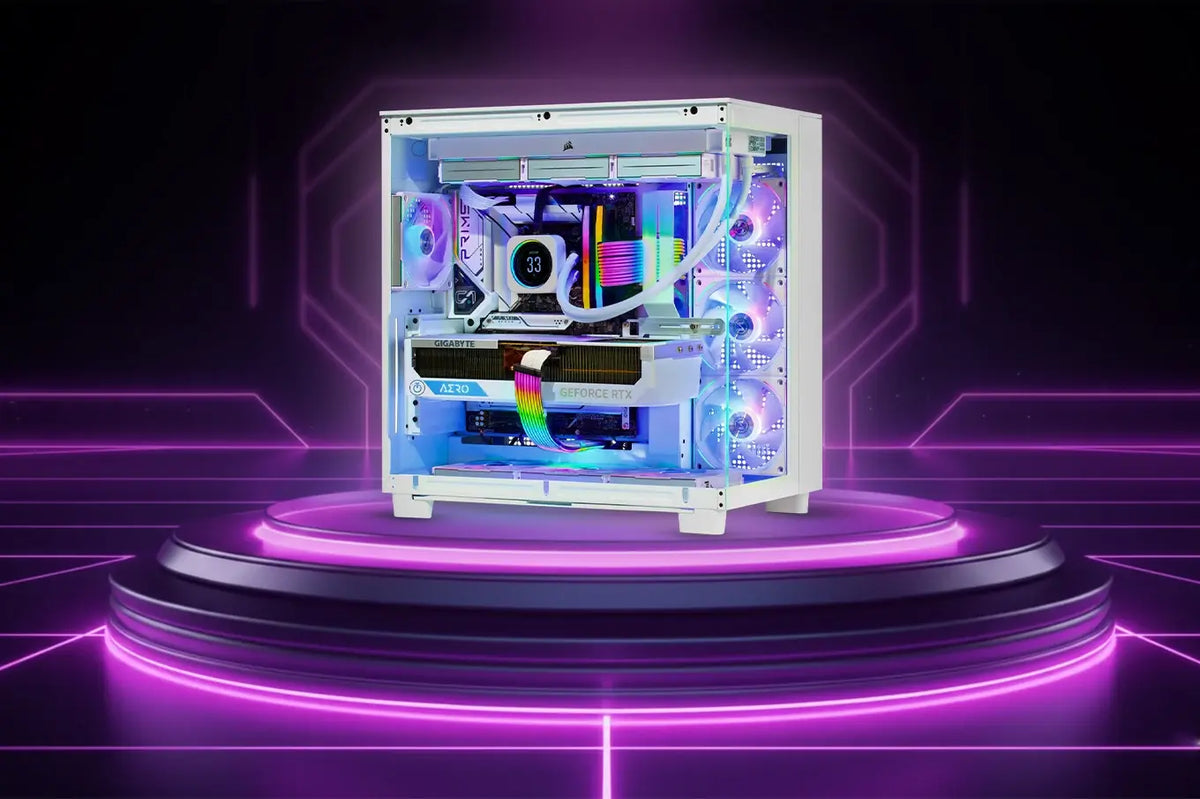
Tired of your gaming PC sounding like a jet engine every time you fire it up?
A silent gaming PC offers the perfect solution, delivering top-tier performance while keeping noise to a bare minimum. Imagine fully immersing yourself in intense gaming sessions, streaming, or creative work without the distraction of loud fans, coil whine, or vibrations.
Quiet performance isn’t just about comfort; it also contributes to a more focused and enjoyable experience, whether you’re gaming late at night or recording content.
In this comprehensive guide, we’ll walk you through everything you need to know to build a silent gaming PC, from carefully selecting the quietest components to assembling your PC and optimizing settings for whisper-quiet, smooth performance.
By the end, you’ll be equipped to build a system that’s not only powerful but also calm, clean, and highly enjoyable to use.
What is a Silent Gaming PC?
While providing high performance, a silent gaming PC is designed to keep noise levels as low as possible. Its goal is to reduce the noise typically generated by cooling fans, the GPU, the CPU cooler, and even the power supply. Many of these sounds result from parts spinning at high speeds or vibrating inside the enclosure.
Learning how to control these vibrations, which are among the most common sources of noise in gaming PCs, is key to creating a quiet build. Silent PCs use superior cooling setups, soft padding, and hardware designed to minimize noise compared to standard gaming computers. This means you can still enjoy smooth gameplay—without the loud fan bursts or coil whine typical of a regular build.
How Does It Work?
Silent gaming PCs combine smart airflow and acoustic design with appropriate hardware. The system does not need to operate as hard to keep cool when you select silent fans, low-vibration cases, and effective coolers.
Early attention to the common noise sources in gaming PCs results in a silent PC that remains calm even during long gaming sessions.
Who Needs A Silent Gaming PC?
-
Players who like engrossing gaming without noisy fan noise.
-
Streamers and content creators seek a clean, noise-free background.
-
For those gaming in shared rooms where maintaining silence is essential.
-
PC enthusiasts who want a clean, smooth, and professional-looking setup.
Benefits of Building a Silent Gaming PC
There are several benefits to building a silent gaming PC:
-
A calm and fluid gaming experience.
-
Reduced heat, which helps your system run longer.
-
A customizable and clean setup.
-
Low sound output with future-proof performance.
These points highlight the advantages of creating a silent gaming system and explain why such setups have grown in popularity.
Challenges of Building a Silent Gaming PC
Building a silent gaming PC can be a fulfilling project, but it does come with a few challenges:
-
Silent components can be more expensive than standard ones.
-
Achieving the best results requires careful airflow planning.
-
Assembly demands meticulous installation and precise cable management.
-
Overclocking may be limited due to higher cooling requirements, which can generate more noise.
However, with some thoughtful planning and careful execution, these challenges can definitely be tackled.
Expert Tips: Building and Optimizing
1. Carefully Select Components
Choosing the right components is the most crucial first step in building a silent gaming PC. Look for:
-
Tower coolers or silent liquid AIOs for quiet CPU cooling.
-
Fans with fluid dynamic bearings that operate with minimal noise.
-
A modular power supply to reduce cable clutter.
-
A rubber-padded, sound-dampened case.
-
Components with low decibel (dB) ratings: lower numbers generally mean quieter operation.
2. Build The PC With Great Caution
Your build quality is just as important as the components themselves in determining overall sound levels.
-
Arrange the cable behind the motherboard tray.
-
Reduces fan and drive vibration with rubber mounts.
-
Set your GPU and coolers tightly to prevent rattling.
-
Separate intake and exhaust routes to keep good airflow.
Stable mounting and efficient cable management prevent noise before it starts.
3. Optimize Performance
Once your components are assembled, you can make it even quieter using software settings.
-
Make specialized fan curves in BIOS or GPU software.
-
When you are not playing, enable silent or eco profiles.
-
Watch your temperatures to prevent overheating.
-
Lower frame limits or undervolt the GPU for cooler operation.
These modest tweaks let you create a system significantly calmer without unduly sacrificing gaming performance.
Wrap Up
Building a silent gaming PC allows you to enjoy powerful performance without the distractions of fan noise, coil whine, or vibrations. By carefully selecting quiet components, assembling your PC thoughtfully, and optimizing settings, you can create a system that’s not only high-performing but also calm, clean, and immersive. Whether you’re gaming late at night or streaming content, a silent PC enhances both comfort and focus.
Ready to build your perfect quiet gaming PC? Visit TechnoidGamingPC today to start building your quiet PC tailored to your performance and noise preferences.
Build smarter, play harder, and enjoy your games in complete silence.
People May Ask
1. What is the simplest method to reduce the noise of a PC?
Replace noisy fans with low-noise ones and clean the dust filters. More efficient airflow means the fans do not have to rotate as fast.
2. Are silent components a cause for performance drop?
No, most of the silent components have the same operational efficiency as standard components, just that they are using superior bearings, padding, and cooling designs.
3. Is it possible to make a silent PC with a limited budget?
Yes. Begin with fan upgrades and a silent case, and then gradually upgrade other components.
4. What is the noise level measurement method of a PC?
Employ a smartphone decibel meter app. Measure the noise during idle and gaming time to keep track of improvements.
5. Are liquid coolers superior to air coolers for silent builds?
Both types can be made quiet. A high-quality air cooler is typically very silent, while AIO liquid coolers work well in tight spaces and can also maintain low noise levels.