
 Canada
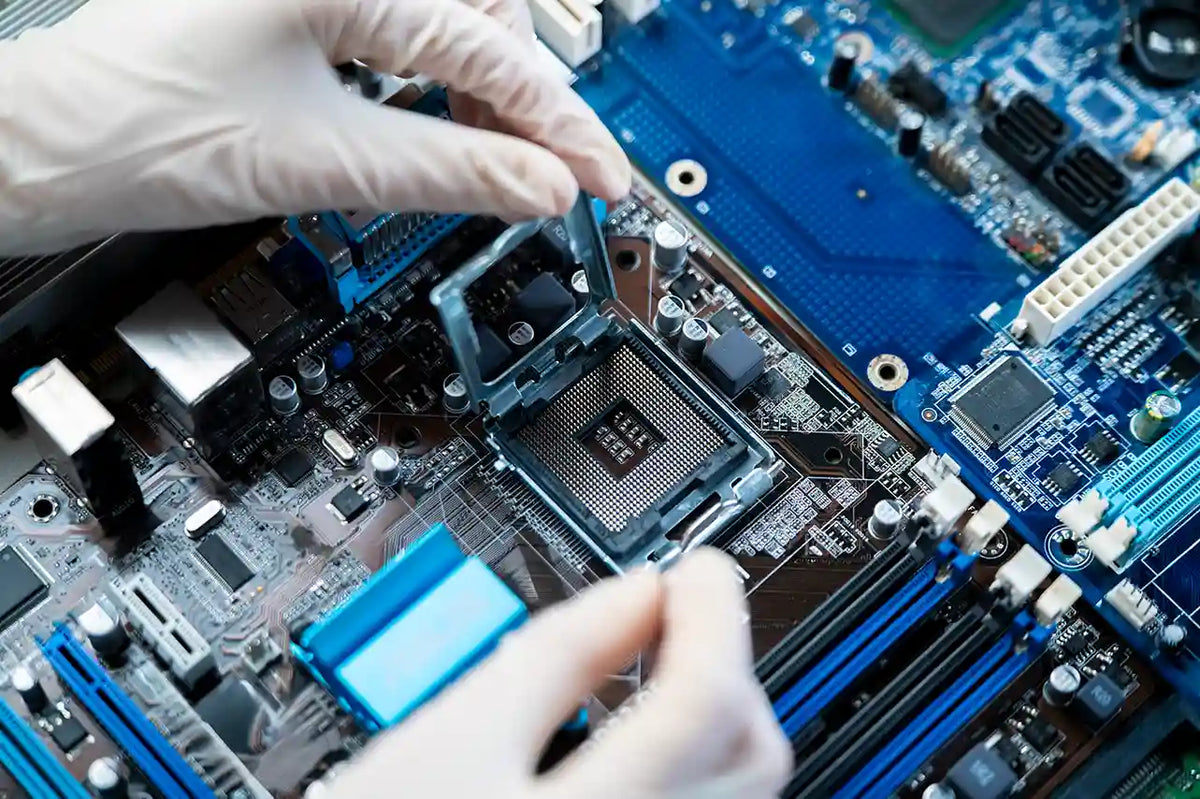
The motherboard forms the backbone of any computer, connecting every key component, CPU, RAM, GPU, storage, power, and cooling. Because of its central role, many PC gamers and builders ask: Is a motherboard upgrade really worth it?
Whether you’re pushing your system to the limit or need a stable PC for work and gaming, deciding when to invest in a new board can be tricky.
In this guide, we’ll cover the key signs you may need a motherboard upgrade, the benefits, potential risks, and smart tips to help you choose the right model for your system.
What is a Motherboard Upgrade?
In general, a motherboard upgrade involves replacing your old motherboard with a newer or more powerful model. Upgrades differ from minor updates, such as BIOS changes, which improve stability but do not extend the limits of your hardware.
A new motherboard can change:
-
CPU support: Intel vs. AMD, or new generation CPUs.
-
RAM type: Such as DDR4 or DDR5.
-
GPU: The slots and speed.
-
Storage: Options like NVMe SSDs.
-
Expansion support for add-ons.
Because the motherboard determines which parts you can use, it directly influences both your PC's performance and future growth.
Key Signs You Need a Motherboard Upgrade
Upgrading a motherboard is not always needed. But there are clear indications that show when it is necessary.
1. Limited Support for New CPUs or RAM
If your older board cannot support a new CPU or the latest RAM type, the performance may suffer. For example, many of the most recent systems have now switched from DDR4 to DDR5.
2. Outdated PCIe Slots
That means a graphics card or NVMe SSD can't operate at full speed if your PCIe slot is too old or too slow, and for gamers and content creators, that matters a lot.
3. Weak VRMs or Poor Cooling
A motherboard with weak VRMs will often struggle to perform well when heavy tasks are at hand. The result could be throttling, heating issues, or even random crashes.
4. Frequent Stability Issues
If your PC shows strange errors, freezes, or hardware conflicts, then your board can be the problem, especially if you have already tested other parts.
5. Missing New Features
New boards include helpful features such as:
-
Wi-Fi 6 / Wi-Fi 6E
-
Thunderbolt ports
-
More M.2 storage slots
-
Advanced RGB headers
If you want these features, an upgrade might make sense.
Advantages of Motherboard Upgrade
Here’s where upgrading truly shines: a motherboard upgrade often brings benefits that enhance long-term performance and system stability.
1. Better Performance and Stability
A new board with modern chipsets enhances:
-
Boot speeds
-
Multitasking
-
Gaming performance
These factors influence users who want smoother gameplay or faster performance.
2. New Hardware Support
These days, modern motherboards are equipped with cutting-edge features like PCIe 5.0, quicker M.2 slots, and enhanced power delivery systems.
3. Improved Overclocking
High-end motherboards feature powerful VRMs and effective cooling. This allows for safe CPU or RAM overclocking.
4. More Expansion Options
In a modern motherboard, you will get additional space for:
-
More SSDs
-
Extra GPUs
-
Capture cards
-
Wi-Fi cards
5. Future-Proofing
A modern board will last longer and support components you may upgrade later.
Risks and Considerations
Things to keep in mind before replacing an old motherboard:
1. Higher Cost
A motherboard can be expensive, especially high-end ones. An upgrade to a GPU or RAM may yield more value.
2. OS and Driver Reinstallation
Changing the board may require you to reinstall Windows or drivers.
3. Compatibility Checks
Every part, CPU, RAM, GPU, and cooler, must be compatible with your new board.
4. Time and Effort
Upgrading the motherboard means pulling everything out, re-routing cables, and rebuilding your PC. It takes a lot of patience and careful steps.
How to Choose the Right Motherboard Upgrade
Choosing the right board depends on your aims and how you make use of your system.
1. Know Your Needs
Is your PC mainly used for gaming, streaming, creating content, or everyday tasks? For each use case, different needs arise.
2. Compatibility Check
Always verify:
-
CPU socket
-
RAM type
-
GPU clearance
-
Power supply support
3. Compare Features
Look for:
-
USB ports
-
VRM quality
-
M.2 slots
-
Wi-Fi
-
Bluetooth
-
Cooling support
4. Establish a Budget
A good motherboard doesn’t have to break the bank. Make sure you’re not shelling out for features you won’t actually use!
5. Consider Future Needs
When picking a board for your next upgrades, make sure it’s capable of handling more than just your current setup.
Wrap Up
Knowing when a motherboard upgrade is worth it can save both time and money. By checking for signs of aging components, evaluating your performance goals, and ensuring your system is ready for future hardware, you can confidently choose the right board for your PC.
For more expert guides on PC component selection or professional custom PC building services in the USA, visit TechnoidGamingPC today. Our team provides expert advice, high-quality components, and trusted support to help you upgrade with full confidence.
Frequently Asked Questions
1. What are the signs that my motherboard is outdated and needs to be replaced?
An upgrade is required if your motherboard is unable to support more recent CPUs, contemporary RAM types, or technologies like NVMe SSDs and Wi-Fi 6/6E.
2. Is performance in gaming significantly improved by replacing the motherboard?
Definitely, more so if the old board is the limiting factor for the CPU or GPU. Besides that, a new board also brings about stability and a faster time to load.
3. After replacing the motherboard, can I still use my existing Windows installation?
Most of the time, the answer is yes, but it really depends on how different the new chipset is from the old one. A clean install will give you the most stable performance.
4. What is the cost range for upgrading your motherboard?
The majority of people spend around $120 to $250 on a motherboard upgrade. More expensive boards are available for complex builds.
5. Can the CPU be upgraded independently of the motherboard replacement?
Yes, but only if the CPU fits the current socket and is supported by the chipset.